
AVAILABLE NOW
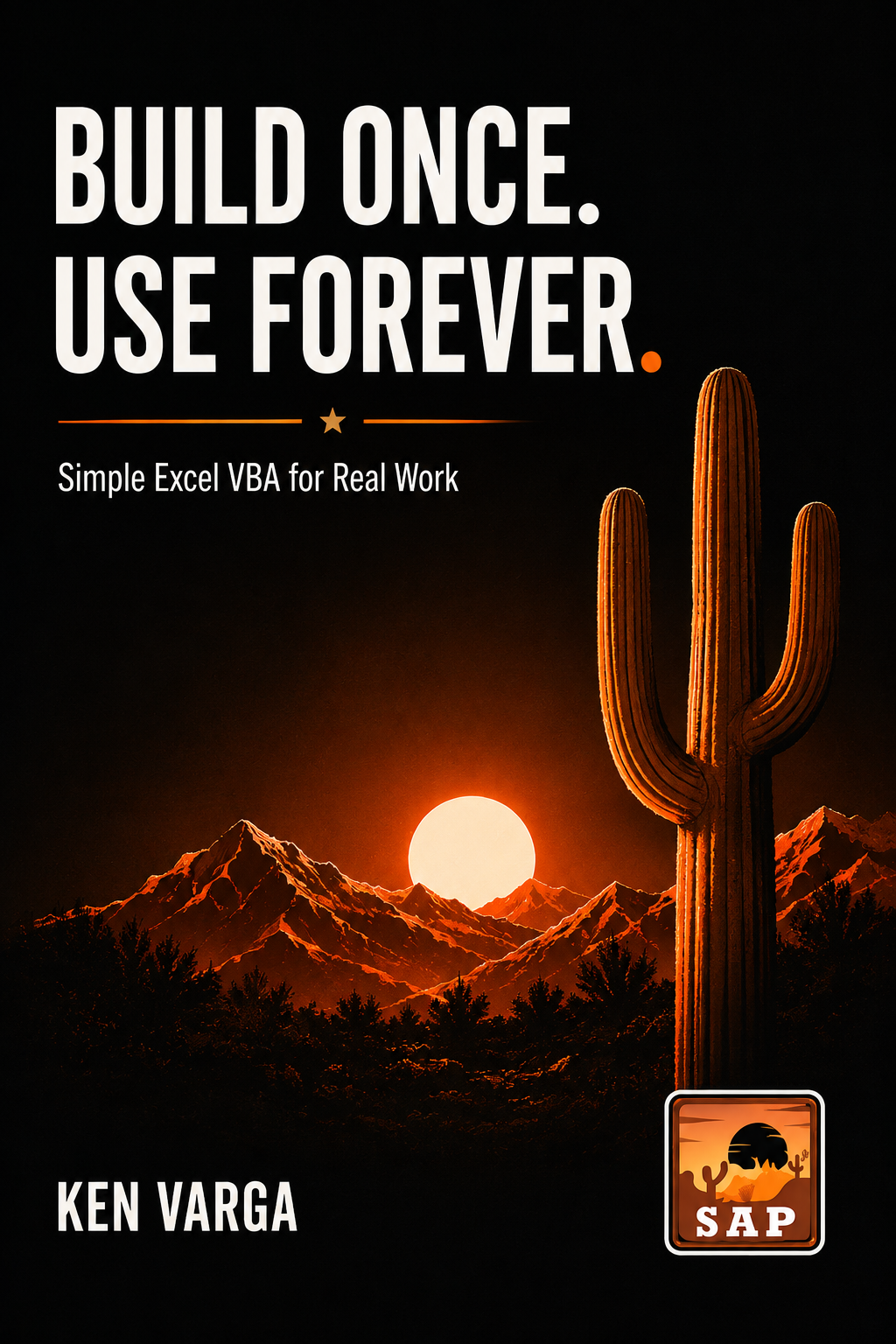
Build Once. Use Forever.
Teach your computer to handle the repetitive tasks you do in Excel, Word, and Outlook, so you can get the work done faster and get on with your day.
What This Book Will Help You Do
This book starts with the repetitive work you already do in Excel, Word, and Outlook and shows you, step by step, how to teach your computer to handle individual tasks for you.
You do not need programming experience. You start with the work you already understand and build from there.
Want to See How to Teach Your Computer to Do a Repetitive Task?
Here is a simple example from the book. Imagine you have a report that needs the same cleanup every day.
Every time the report arrives, you have to clean it up. Make the headings bold. Format the numbers. Center the data. Resize the columns. Turn on the filters.
Now imagine doing all of that with one click.
The report is cleaned up the same way every time. The headings are bold. The numbers are formatted. The data is centered. The columns are resized. The filters are turned on.
Your computer does the repetitive task. You get the finished report.
The work still gets done. You just do not have to spend your time doing it.
Now think about how much time that could save you every day. What if you could do this with five repetitive tasks? Ten? Twenty? Five days a week. Fifty-two weeks a year. Year after year.
That is what Build Once. Use Forever. teaches you to do.
You do not have to become a programmer. You already know how to do your job. This book shows you how to make your computer do the repetitive parts for you.
How the Book Takes You From Repetitive Tasks to a Working Solution
The book builds one step at a time. You start with the tasks you already do, build your first automation, and then learn how to make what you build more useful, reliable, and easier to use.
What You’ll Learn
By the end of this book, you will know how to:
Choose the Format That Works for You
Build Once. Use Forever. is available in both paperback and eBook formats.
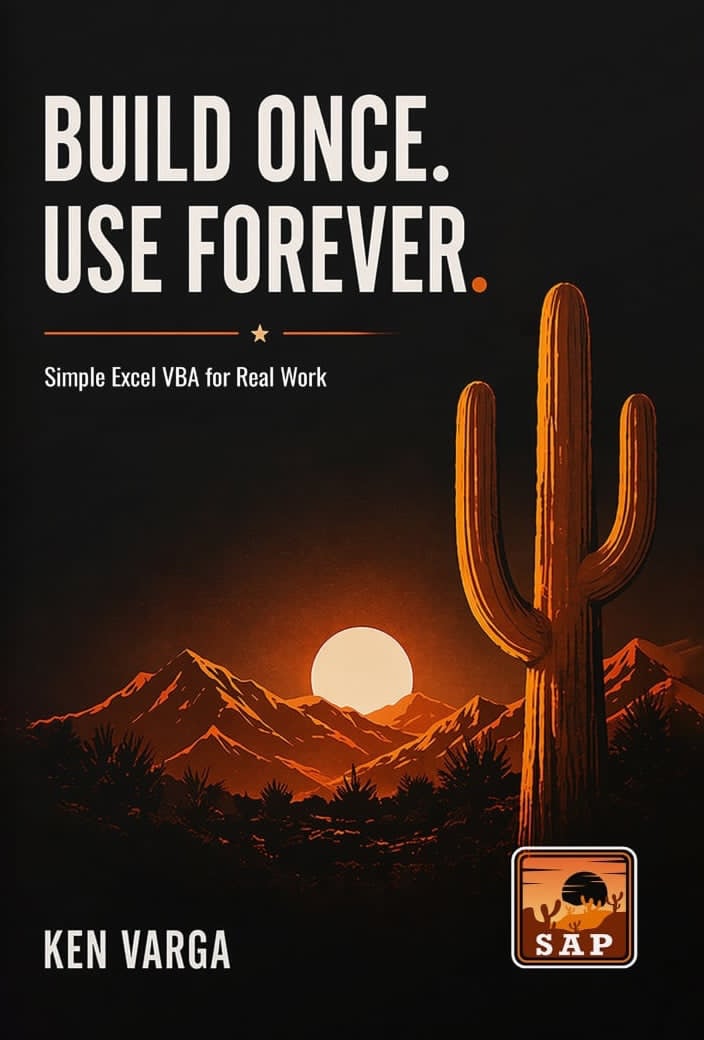
Paperback
Available Now
eBook
Available Now
Who This Book Is For
This book is for anyone who spends too much time doing the same computer tasks over and over and over.
You do not need programming experience. You do not need to know VBA. You only need to know the tasks you want to get done faster:
If that sounds like your day and you want part of your day back, then this book was written for you.
Why This Book Is Different
Most books about automation start by teaching you programming. This book starts with something you already understand: your job.
You begin with the tasks you already do. Then you learn how to teach your computer to handle the repetitive parts for you.
Each lesson begins with a real problem you are facing. You build the solution one understandable step at a time, learning only what you need to get the job done.
You learn only what you need as you need it. What you learn helps you complete the task in front of you.
You see the result as you build it. Something that used to take your time becomes a task your computer can do for you.
You can do this. You do not have to understand everything at once. You do not have to memorize the code. That is not the goal. You learn what you need, use it, see it work, and then build on what you already know, step by step.
Professional Editorial Review
Editing this book was genuinely eye-opening.
Ken has an exceptional talent for making Excel automation—and even VBA—clear, practical, and unintimidating.
His step-by-step explanations transform concepts that often feel technical or overwhelming into something everyday users can understand, apply, and immediately benefit from.
I learned a tremendous amount while working through his examples, and I’m confident readers will too.
— Judy Carney
Professional Editor
Owner, JudyProofed
Meet the Author
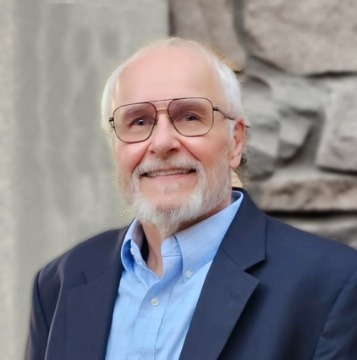
Ken Varga has spent more than four decades building mission-critical software for aerospace and high-technology industries.
He continues to lead an embedded avionics company while teaching business professionals how to automate repetitive tasks using practical, step-by-step techniques.
Ready to Spend More Time on the Things You Love?
The repetitive work still has to get done. The difference is, you don't have to keep doing it yourself. Teach your computer to handle those tasks so you can finish sooner and spend more time where you want to be.